


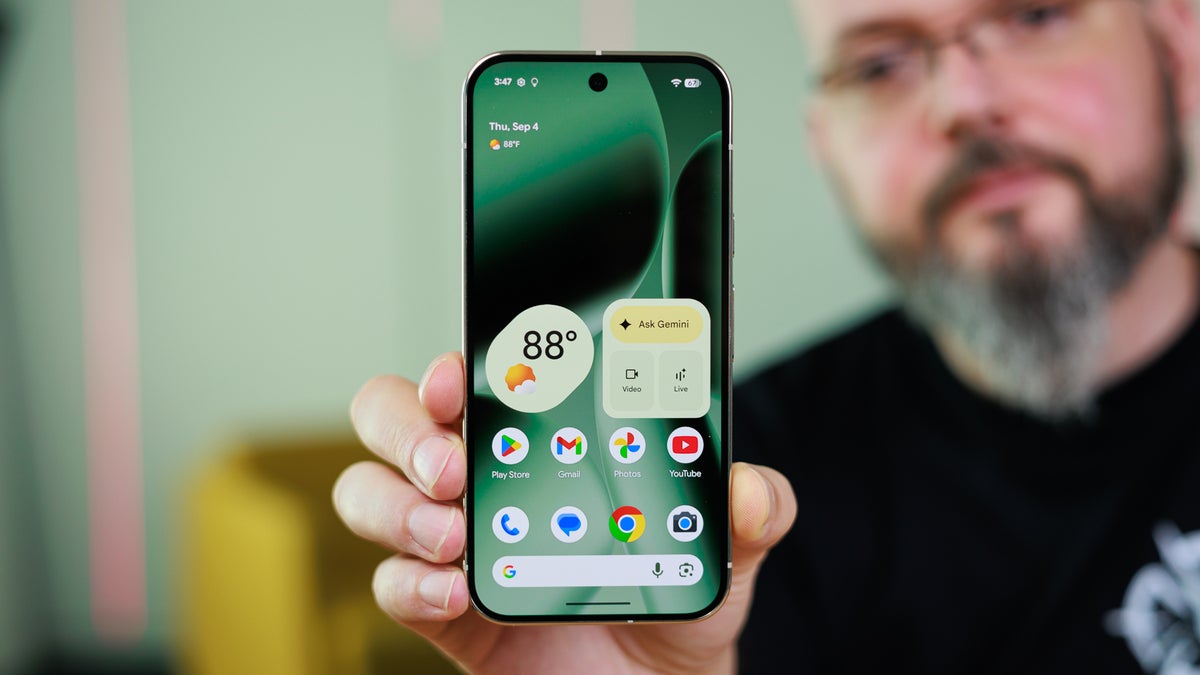

What exactly is the Take a Message feature?
Take a Message is a very useful feature that was recently introduced with the Pixel 10 lineup. It’s basically a smarter alternative to voicemails, and it automatically answers and transcribes calls for you.
Take a Message is getting a much-needed upgrade
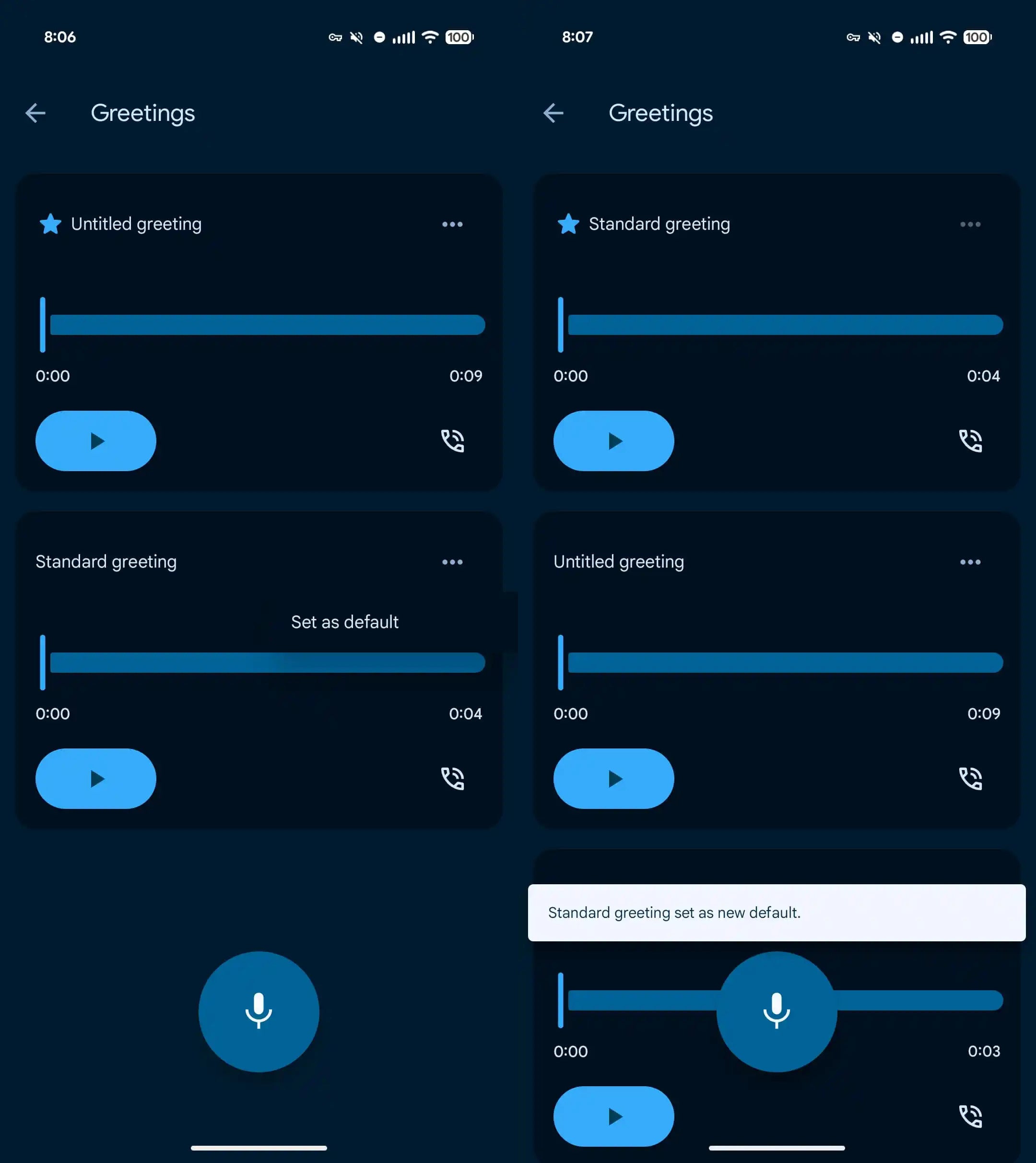
Custom greeting feature of Take a Message. | Image by 9to5Google
Take a Message is already one of my favorite features on my Pixel 10. However, I always used to hope about how cool it would be if it could allow setting custom greetings. For reference, when it takes over the call, the caller hears a very generic message that says, “The person you have called is not available. Please leave a message after the tone.”
It’s the same message that most carriers play when a call is not picked up. It was, however, reported in April this year that the tech giant is working on giving you the option to create custom greetings. The capability is finally live and is reportedly available to everyone.
How to set custom Take a Message greetings in Pixel phones
The process to set a custom Take a Message greeting is pretty straightforward. To begin with, you need to make sure that you have the latest version of the Google Phone app installed on your Pixel phone. After that, you need to open the app and navigate to Settings > Take a Message > Manage Greetings.
I want it to be more personal
While the current change is really welcome, I want Google to let users have different greeting messages for different contacts. Doing this will allow the users to have a lot of manual control over the feature and give a personal touch to different contacts.
#longoverdue #Pixel #upgrade #ditch #carrier #voicemail #good