


Visual Intelligence is getting a major revamp
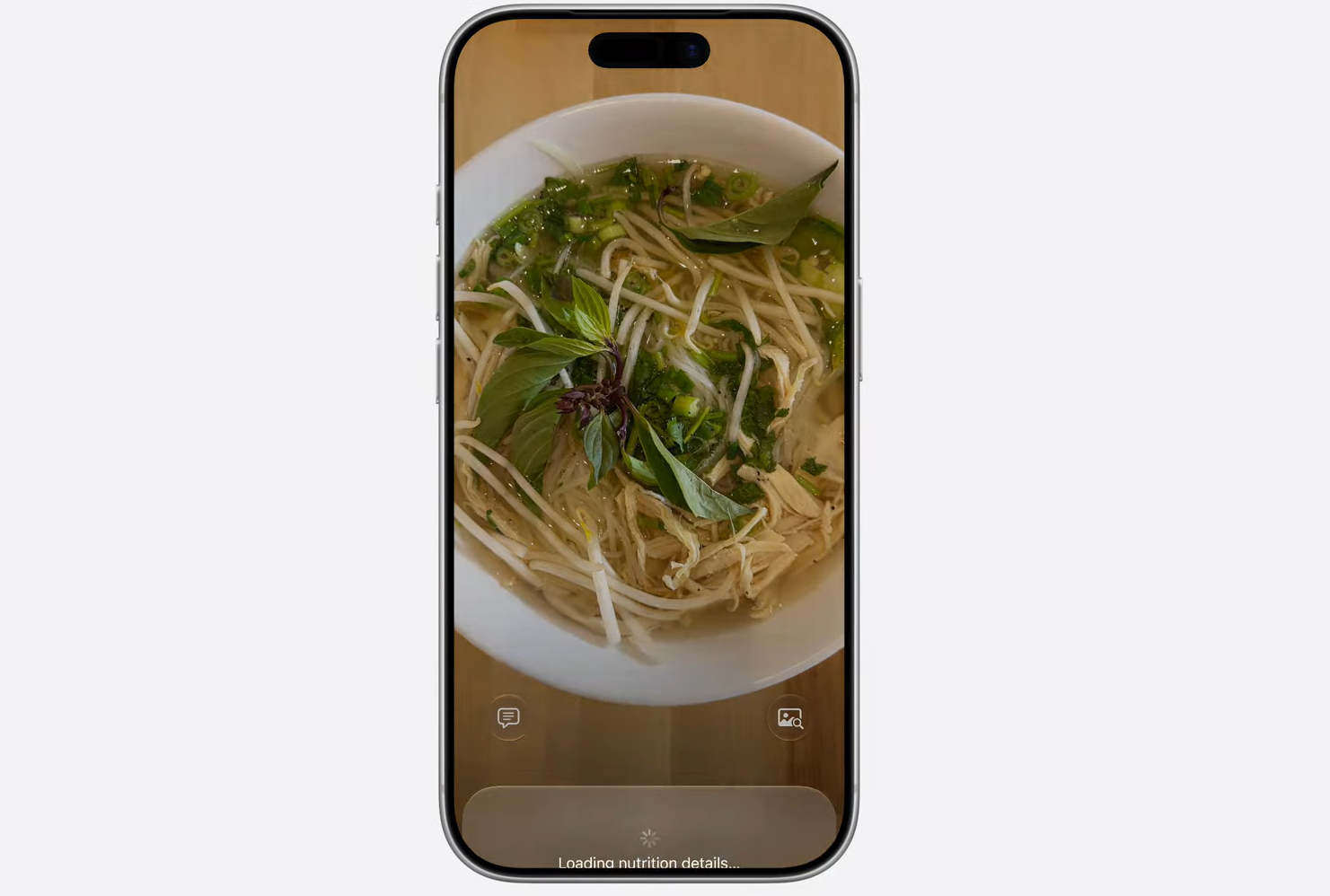
Visual Intelligence helps users get relevant info quickly. | Image by Apple
This feature was previously positioned within the camera control button, allowing iPhone users to ‘scan’ their surroundings and get relevant information through AI.Now, it sits right in the Camera app for convenience. But the easier access isn’t the only highlight. Users will now be able to scan business cards, with the numbers and addresses getting automatically added as contacts, among many others.
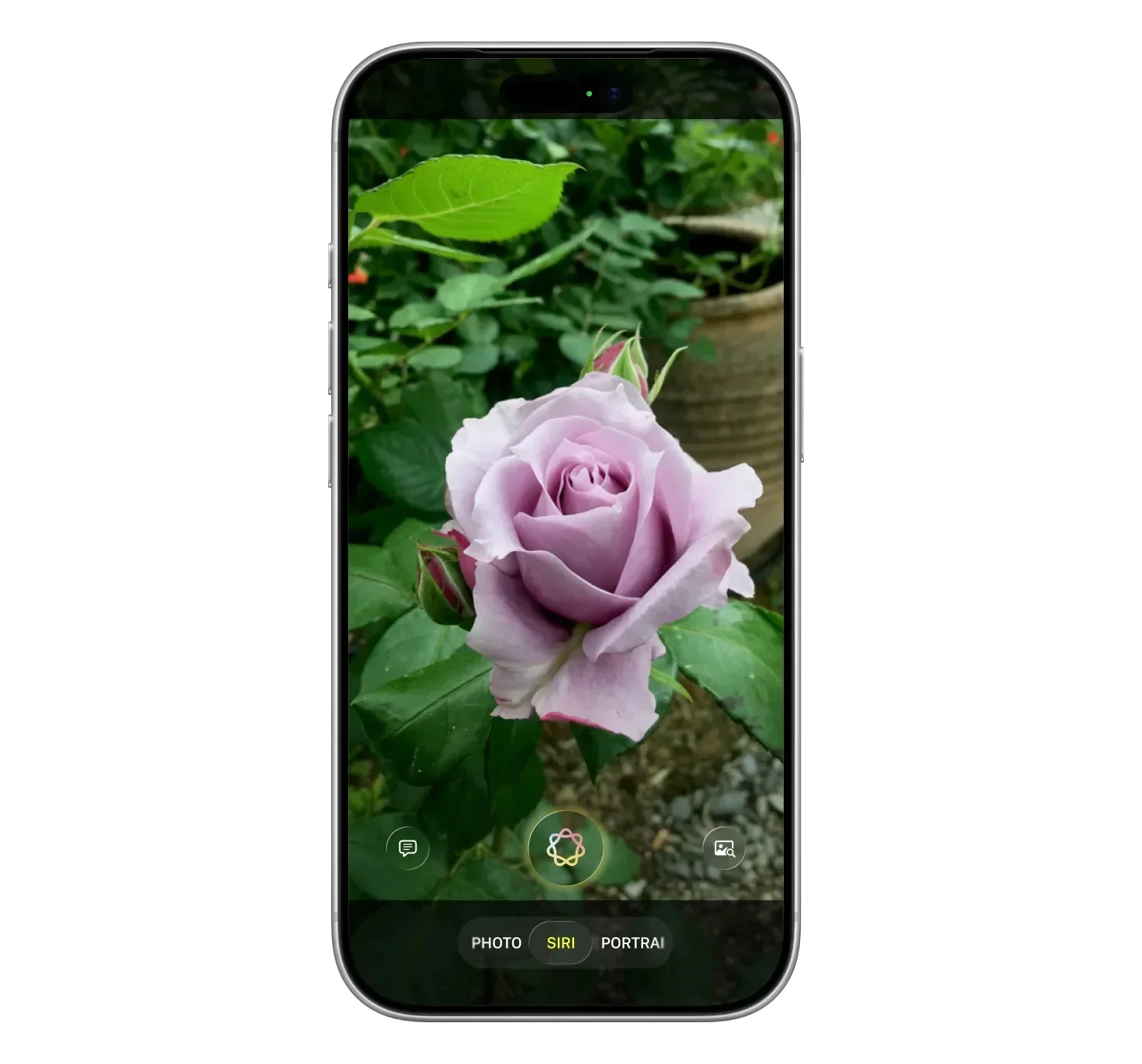
Siri in the Camera app brings some unexpected new features. | Image by Bloomberg
On top of that, a new Siri mode in the Camera app allows users to scan nutrition information from labels to track calorie intake. The results are automatically added to the Health app, making it easier to stay on top of dietary routines.
New photo-editing tools
Even the perfect photo can be ruined by a small imperfection. With iOS 27, Apple rolls out two new AI-powered photo editing tools in the Photos app to tackle such imperfections. The first one, called Extend, generates additional elements when users expand or change a crop in an image. The Reframe tool allows users to change the perspective of a photo.
Shortcuts is becoming more user-friendly
The Cupertino tech giant also adds Apple Intelligence in its Shortcuts app. This would allow users to describe what they want using natural language. Siri then organizes things and creates multi-step automations.
Multi-app integration
Apple Intelligence is also added in key apps, such as Calendar and Wallet. The Wallet app is getting a new AI-powered bill-splitting feature that lets users scan a receipt and request payments for specific items from friends through Apple Cash.
Users can also create digital passes of physical tickets or membership cards.
Improvements on existing features
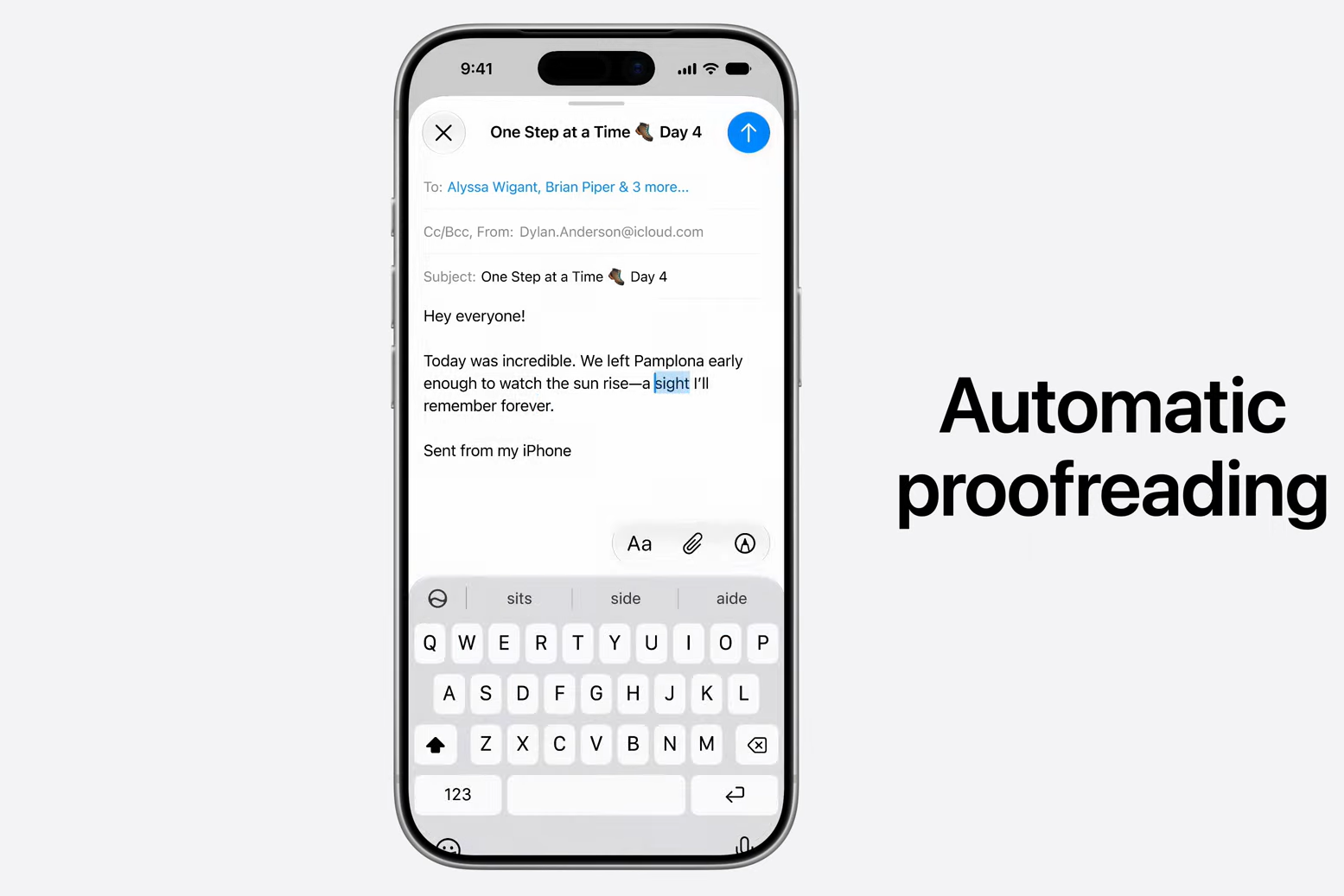
Automatic Proofreading isn’t groundbreaking, but it’s still appreciated. | Image by Apple
Aside from rolling out new AI-powered tools, Apple is upgrading some key features that have already been available on iPhones. For example, Image Playground has been refined for better efficiency, allowing users to quickly generate custom wallpapers.
Genmoji and Writing Tools get AI-powered refinements, which let iPhone users create more lifelike emojis and perfect their writing with grammar-checking tools.
User reception of Apple Intelligence
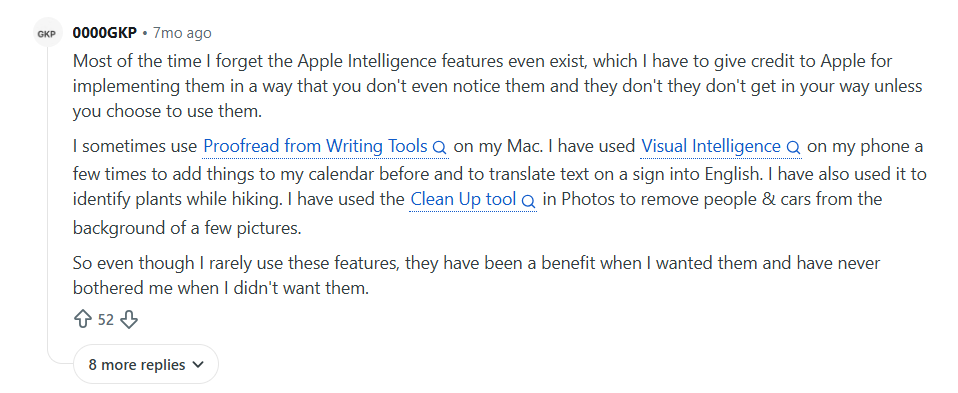
Apple Intelligence has been received well by some, not so well by others. | Image by 0000GKP
Opinions shared online show Apple Intelligence is being received as a bit of a ‘mixed bag.’ For some, releasing AI features that don’t get in the way all the time is incredibly useful, while others share that they don’t even remember the last time they used AI on their iPhone.
While I agree that not all AI features in a phone are 100% useful and deemed to be used every single day, I think some might start using Apple Intelligence way more often now.
To me, the most useful addition of all is the integration of AI-powered tools into Shortcuts. This app is used by a lot of iPhone owners, and making it even easier to organize personal shortcuts sounds like a big leap forward in usability.
The key takeaway
Ultimately, it all boils down to the user experience. While Apple did take its time rolling out some of its more sophisticated AI features, it appears that the company is finally catching up to its competitors.
Giving users meaningful tools that can improve their daily experience is what AI is supposed to be all about, so kudos to Apple for (eventually) delivering on what was promised.
#Apple #Intelligence #upgrades #finally #deliver #Apple #promised