


Siri AI is the headline, and it works a little differently on iPad
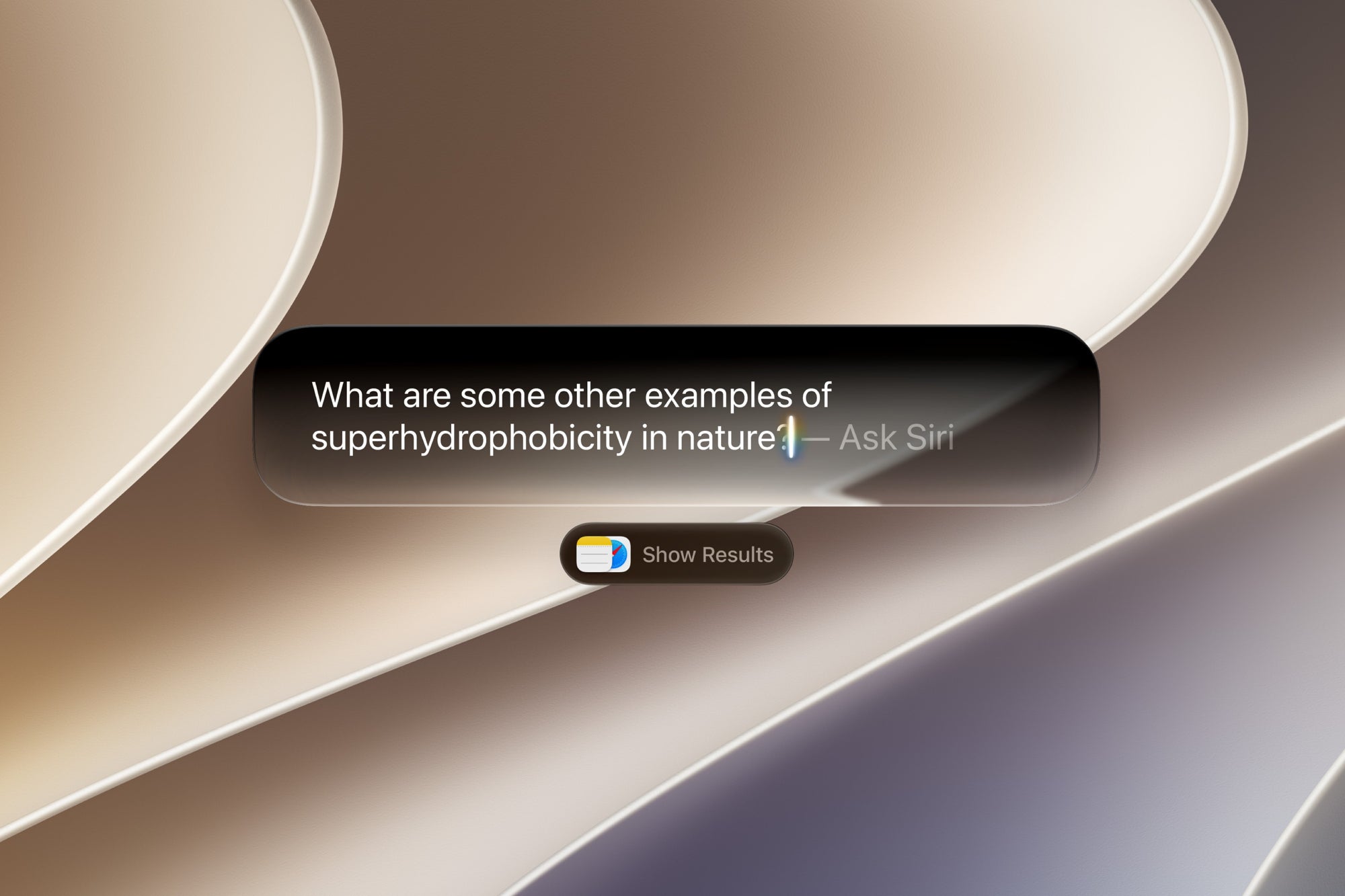
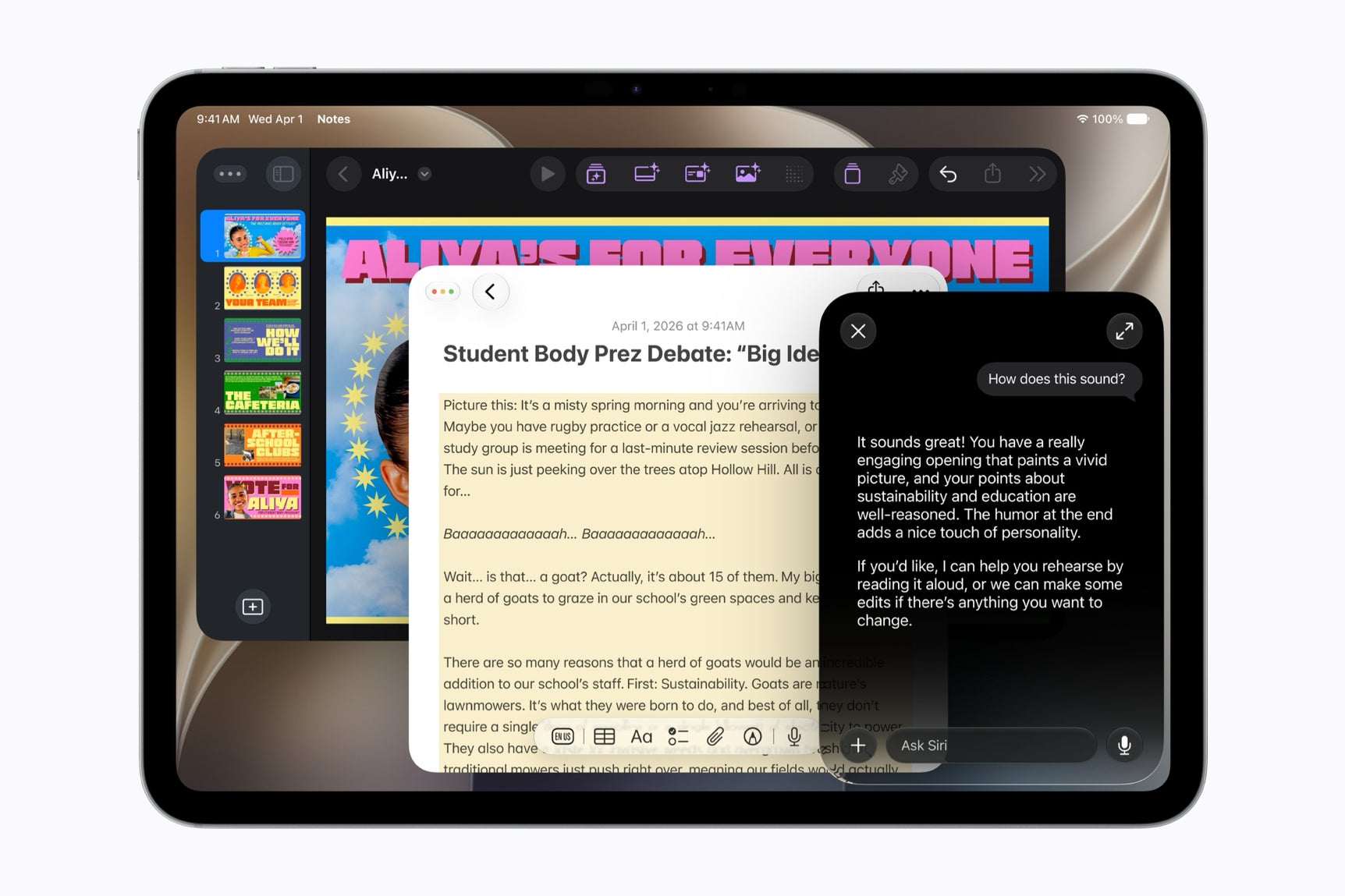
The big one is Siri AI, an entirely new version of Siri powered by Apple Intelligence. It can dig through your messages, emails, and photos using personal context, answer questions about what is on your screen, and pull live information off the web.
On iPad, you reach it through Spotlight and systemwide context menus, so you can control-click an image, file, or block of text and ask Siri about it on the spot. The iPhone gets a few flashier entry points like the Camera mode and the Dynamic Island swipe, however the brain underneath is the same.
Siri AI is the headline change reaching iPad this fall. | Image by Apple
Visual Intelligence comes to iPad for the first time
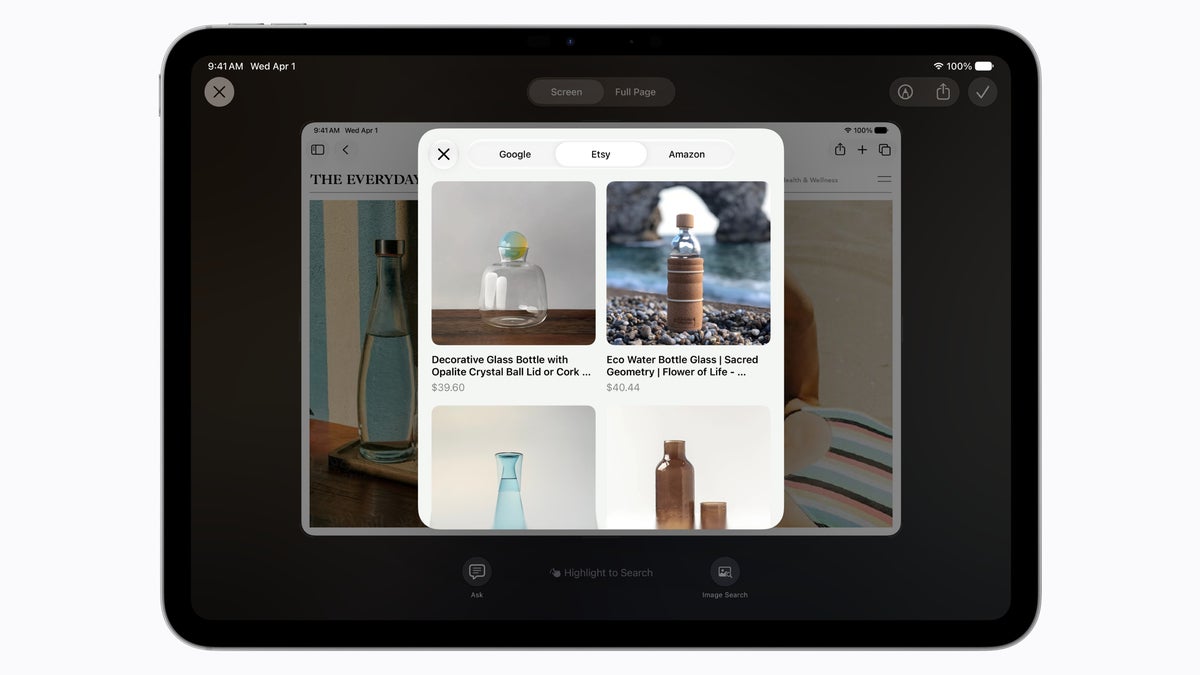
This is the closest thing to an iPad-first moment in the whole show. Visual Intelligence with Siri is landing on iPad for the first time, and it is built right into the screenshot experience. Grab a screenshot, then ask Siri about what is in it or take action on it without leaving the screen.It is the same idea as the iPhone Camera integration, reworked for how people actually use a tablet. You are far more likely to screenshot something on an iPad than hold it up to photograph it.
A dedicated Siri app that syncs across your Apple devices
iPad also gets the all-new dedicated Siri app, a single place to revisit past conversations or kick off new ones. It uses iCloud to privately sync your conversation history across your products, so you can start a chat on your Mac and pick it back up on your iPad later.
This is what quietly fills the gap left by the iPad not getting its own splashy feature. The continuity is the point.
Smarter writing and editing wherever you type
Siri AI brings integrated Writing Tools that work almost anywhere you type on iPad. Describe what you want and Siri drafts it from scratch, or describe an edit and it rewrites on the spot. In Mail and Messages, it tries to match how you normally talk to each person, right down to your usual tone and punctuation.Siri now proofreads automatically as you type across the system too, including inside most third-party apps. This is the shipped version of the “Help Me Write” idea we covered before the keynote.
Siri AI can now pull answers from the web on almost any topic and let you keep the conversation going. | Image by Apple
The rest of Apple Intelligence comes along too
The next generation of Apple Intelligence brings new tricks to apps you already use on iPad:
- Photos gets new editing capabilities.
- Safari gets tools that change how you browse across multiple tabs.
- Image Playground gets new ways to create.
- iCloud Shared Albums add cross-platform, full-resolution photo sharing.
Image Playground was one of only two iPad features Apple named during the keynote, so expect the company to lean on it as a creative hook.
New parental controls and a redesigned Screen Time
iPad is part of Apple’s child-safety overhaul this fall as well. After the Screen Time update in iPadOS 27, parents get a simpler setup with a curated set of starter apps, Time Allowances that cap usage across categories like Entertainment, Games, and Social Media, and daily Schedules to control which apps work when, like during school hours.There is also Ask to Browse, which makes kids request permission before opening a new website in Safari, and it works across iPhone, iPad, and Mac. Communication Safety, already on by default for users under 18, now steps in to block gore or violent content in shared images and videos, not just nudity.
Your iPad will feel faster, and one number stands out
As usual, Apple put numbers on the performance gains expected with iPadOS 27. Apps launch up to 30 percent faster, photos load up to 70 percent faster after you take them, and AirDrop is up to 80 percent faster.
The one that matters most for iPad: moving files between an external drive and your iPad is up to five times faster, which Apple says makes it as quick as Finder on a Mac. Apple tested that on an iPad Pro 11-inch (M4) with a USB4 SSD, copying and browsing 10,000 JPG files.
Why this matters: which iPad you need, and one big catch
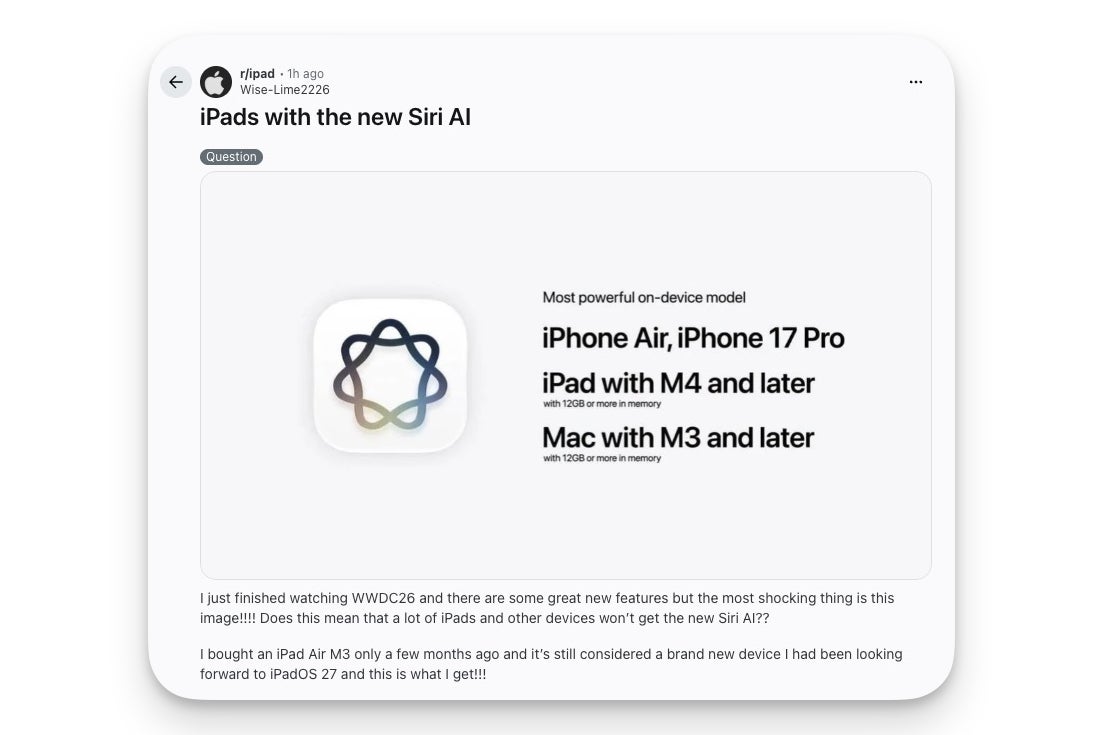
Here is where it gets complicated, and where a lot of iPad owners are about to get confused. There are two different compatibility tiers, and they are easy to mix up.Siri AI and the new Apple Intelligence features run on iPad models with M1 or later, plus the iPad mini with the A17 Pro chip. That covers a wide range of recent iPads. The most powerful on-device model though, the one that unlocks the more expressive Siri voices and the best dictation, needs an iPad with M4 or later and at least 12GB of memory. So a recent, perfectly capable iPad can get Siri AI while still missing the top-tier extras.
That nuance set off some real frustration right after the keynote. On the r/ipad subreddit, one user who bought an iPad Air M3 just a few months ago saw the on-device model slide and worried their nearly new tablet was being left behind.
A user on r/ipad reacts to the on-device model compatibility list shared during WWDC26. | Image by Wise-Lime2226 via Reddit
The good news for them: an M3 iPad Air does get Siri AI. What it misses is only the most advanced on-device model perks, which is a far smaller loss than the slide makes it look. The frustrating part is that Apple did a poor job making that distinction clear, so the confusion was predictable.
Then there is the catch that hits far more people. Due to the Digital Markets Act, Apple will not ship Siri AI in the European Union on iPhone or iPad when iOS 27 and iPadOS 27 launch this fall. EU users will still get Siri AI on Mac, Apple Watch, and Vision Pro, just not on the two devices most people actually use it on.
What this looks like from where I sit
I will be straight about my reaction watching this: I came away unimpressed, and not because the features are bad. They look polished. The problem is that I have been using most of this on Android for a couple of years already.
That is not a knock on the people who will love it. If you are deep in Apple’s world and you have waited two years for Siri to actually work, this is a real upgrade and you should be glad it finally landed. It just is not the moment Apple’s presentation wanted it to be, at least not for anyone who has been watching what Android has been up to.
Want more hot takes like this? Come hang out with me on X over at @jojothetechie and on Threads at @jojothetechie.
#Heres #Apple #confirmed #landing #iPadOS #fall