

Subscribe to Updates

    Get the latest creative news from FooBar about art, design and business.

    What's Hot

    Are you getting a $5,000 check from AT&T?

    Your eSIM is your ultimate travel safety net, don’t forget it!

    Deleting your AI chats on Android might be a complete lie, but here's why you shouldn't panic

    Facebook Twitter Instagram
    • Tech
    • Gadgets
    • Spotlight
    • Gaming
    Facebook Twitter Instagram
    circuitthoughtscircuitthoughts
    Subscribe
    • Home
    • Gadgets
    • Insights
    • Apps

      Google Uses AI Searches To Detect If Someone Is In Crisis

      Gboard Magic Wand Button Will Covert Your Text To Emojis

      Android 10 & Older Devices Now Getting Automatic App Permissions Reset

      Spotify Blend Update Increases Group Sizes, Adds Celebrity Blends

      Samsung May Improve Battery Significantly With Galaxy Watch 5

    • Gear
    • Mobiles
      1. Tech
      2. Gadgets
      3. Insights
      4. View All

      Are you getting a $5,000 check from AT&T?

      Your eSIM is your ultimate travel safety net, don’t forget it!

      Deleting your AI chats on Android might be a complete lie, but here's why you shouldn't panic

      Oppo Find X10 Pro Max vs Vivo X500 Pro Max: Sample Photos Comparison

      March Update May Have Weakened The Haptics For Pixel 6 Users

      Project 'Diamond' Is The Galaxy S23, Not A Rollable Smartphone

      The At A Glance Widget Is More Useful After March Update

      Pre-Order The OnePlus 10 Pro For Just $1 In The US

      Motorola Edge+ Review: It Checks A Lot Of Boxes

      This Smartphone Concept Design Is Different… In A Good Way

      Twitter Just Made Searching Your Direct Messages Better

      That Netflix Price Hike Is Starting To Take Place

      Latest Huawei Mobiles P50 and P50 Pro Feature Kirin Chips

      Samsung Galaxy M62 Benchmarked with Galaxy Note10’s Chipset

      9.1

      Review: T-Mobile Winning 5G Race Around the World

      8.9

      Samsung Galaxy S21 Ultra Review: the New King of Android Phones

    • Computing
    circuitthoughtscircuitthoughts
    Home»Tech»Computing»I tried iOS 27 on my iPhone, and these feature steal the show (so far)
    Computing

    I tried iOS 27 on my iPhone, and these feature steal the show (so far)

    adminBy No Comments4 Mins Read
    Facebook Twitter Pinterest LinkedIn Tumblr Email
    Share
    Facebook Twitter LinkedIn Pinterest Email

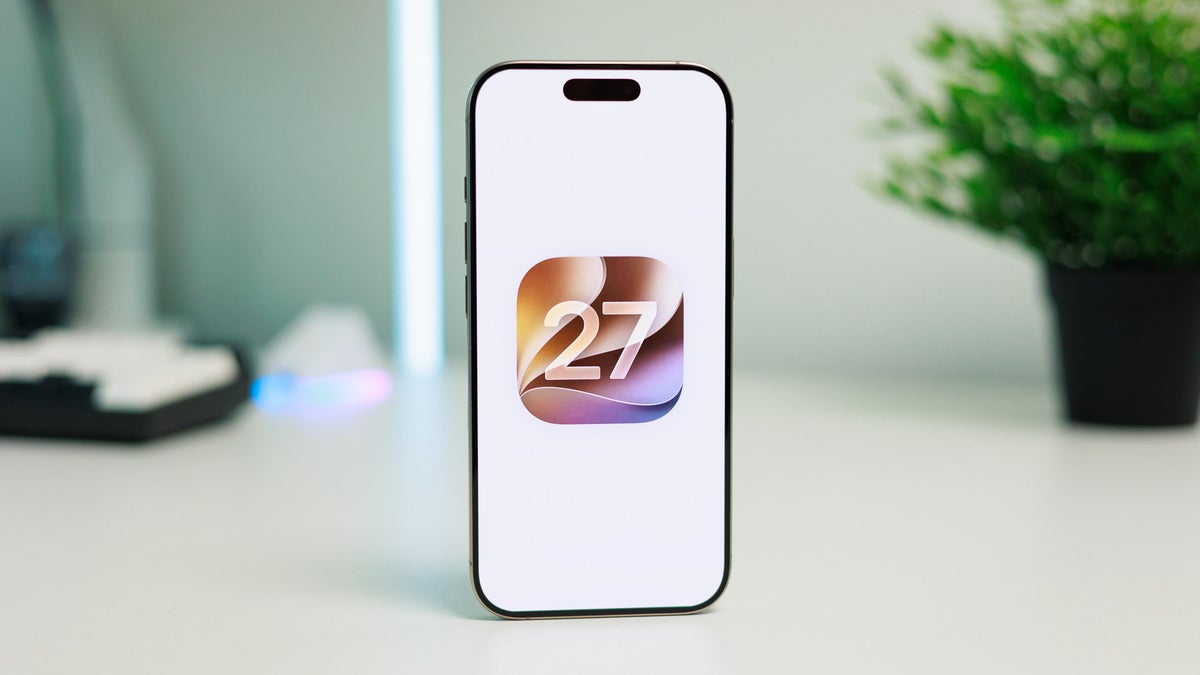
    At the WWDC’26 opening keynote, we had Tim Cook greet us with a “Good morning!” for one last time before John Ternus’ tenure as CEO kicks off, and it was iOS 27 that got announced not long after. 

    Actually, iOS itself did not get its usual time under the spotlight and only did so in brief passing. More than 90% of the presentation was focused on the new Apple Intelligence-powered Siri AI assistant and underlying intelligence foundation, which has shaped up as a vital cornerstone for the future of Apple’s operating systems.

    Siri AI looks like a promising addition to the operating system, but as an EU citizen, I can’t test out the new Siri AI just yet, for the worse or… the better. 

    But looking past AI, there’s a trove of small but noteworthy additions to iOS that will land on your iPhone this September (or earlier if you’re feeling adventurous enough to try out beta software). The list is impressively extensive. 
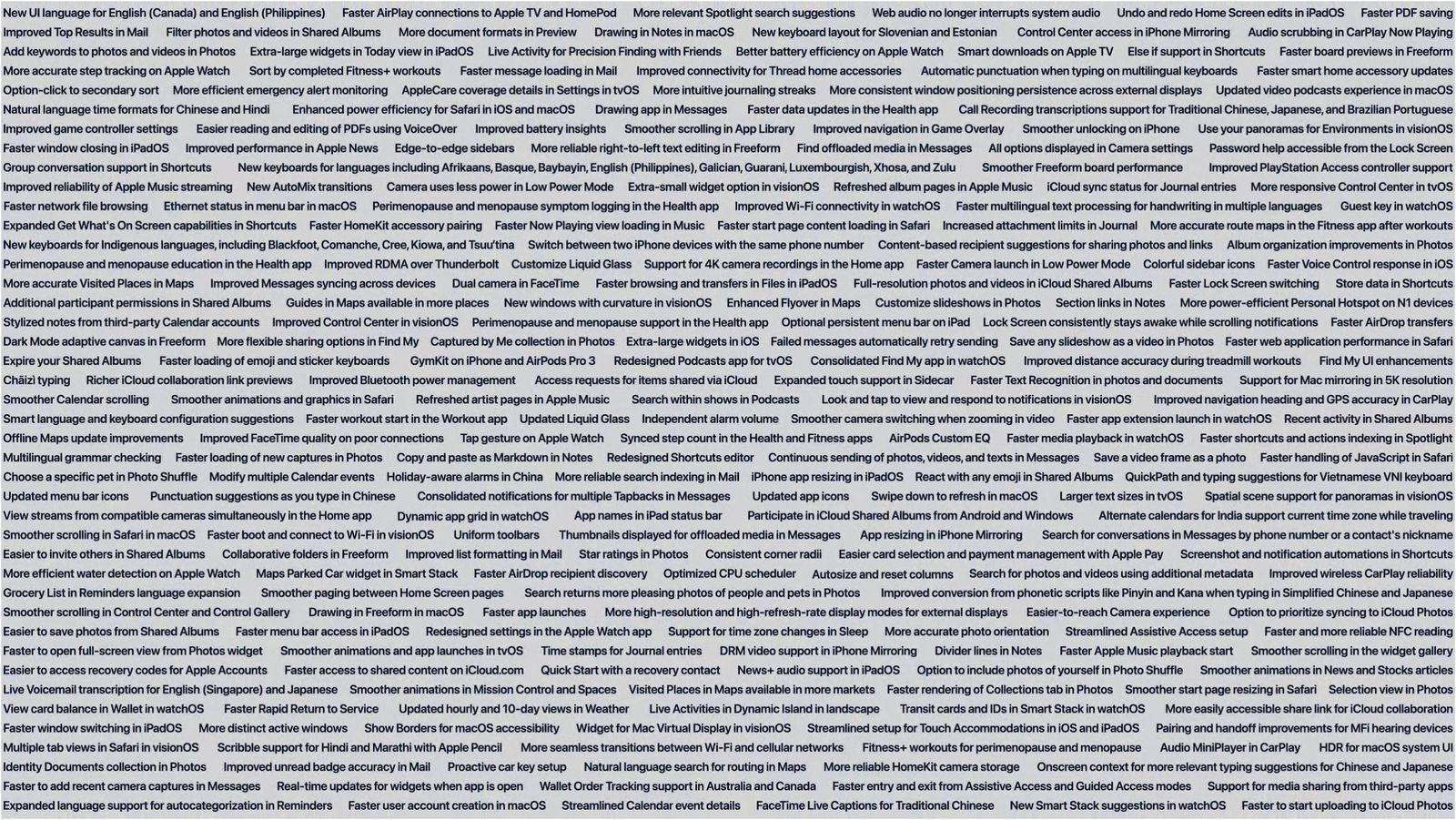
    The iOS 27 changelog is a sight to behold. | Image by Apple - I tried iOS 27 on my iPhone, and these feature steal the show (so far)The iOS 27 changelog is a sight to behold. | Image by Apple - I tried iOS 27 on my iPhone, and these feature steal the show (so far)

    The iOS 27 changelog is a sight to behold. | Image by Apple

    One simple slider redeems iOS 27 for me

    To say that Liquid Glass’ release has been rocky would be an understatement. From design inconsistencies and accessibility issues, Liquid GlassApple went through a number of different opacity settings for the new design language it debuted with iOS 26, but it never really felt right for me. 

    Those were two of the main reasons I stopped using an iPhone as a daily driver and also abstained from upgrading away from Sequoia on my Mac. 

    While iOS 27 is not getting rid of Liquid Glass, Apple has actually listened for one and has introduced a new Liquid Glass customization slider that lets you fine-tune the appearance of your interface. 

    You can choose between a completely clear and a totally tinted Liquid Glass, but the great thing here is that you can set the slider at any level you want to perfectly customize how your Liquid Glass looks. 

    Liquid Glass is finally redeemed with iOS 27

    Realistically, is that a feature you’d use more than once?

    Honestly, no. I think this will be a feature that most people, me included, will play around with once and immediately forget. After all, once you’ve set it to your liking, there’s little logical reason to ever tinker with this slider ever again.

    But on the other hand, it clearly shows that Apple has heeded users’ feedback on Liquid Glass, which is a great thing to see.

    Alarms enhanced

    Another minor but exciting feature included with iOS 27 is independent alarm volume levels. 

    Up until now, alarm volume was interlocked to system and ringtone volume, which has been one of iOS’ longer-standing oversights. 

    With iOS 27, we get a dedicated toggle in the System & Haptics menu that allows us to decouple the system and alarm volume levels. If you disable the respective toggle, you can set a preferred volume level for iPhone alarms and timers, separate from the system one.

    AI in all the right places

    One default iOS app that I felt could make good use of AI is Shortcuts. 

    The insanely powerful automation app is a treasure trove for power users but also has a high barrier to entry, making it a bit complicated for users who might not know of all the intricate available options. 

    With iOS 27, artificial intelligence joins the chat and will automatically create a shortcut for you after you describe it plainly in a text field. Depending on the complexity of your prompt, the feature might or might not do a splendid job depending on the capabilities of the Shortcuts app. 

    That’s a useful feature if I’ve ever seen one, and since its arrival, I’ve already successfully “vibe-coded” a few fairly complex shortcuts on my Mac that I’ve struggled with for a long time.

    Conclusion

    It’s not all great though.

    The cooler new features introduced with iOS 27 are exclusive to the latest iPhone models, despite tht Apple sold most of its previous devices as built for Apple Intelligence, but suddenly, we get iOS 27 with features that won’t be available on millions of contemporary iPhones that still boast perfectly good hardware. 

    With that out of the way, iOS 27 definitely does feel like a breath of fresh air with a ton of under-the-hood improvements and quality-of-life updates that aim to clean house after the messy iOS 26 update. 

    Get Visible as low as $20/mo for 1 year. Limited time offer with code: FRESHSTART

    Get Visible as low as $20/mo for 1 year. Limited time offer with code: FRESHSTART

    Offer Ends 6.1.2026 at 11.59pm ET. New members get $5/mo off the $25/mg Visible plan, $35/mo Visible+ plan, or $45/mo Visible+ Pro plan for the first 12 months. Promo code FRESHSTART required at checkout.


    Buy at Visible

    Read the latest from Peter Kostadinov

    #iOS #iPhone #feature #steal #show

    feature iOS iPhone Show Steal
    Share. Facebook Twitter Pinterest LinkedIn Tumblr Email

    Related Posts

    Are you getting a $5,000 check from AT&T?

    Your eSIM is your ultimate travel safety net, don’t forget it!

    Deleting your AI chats on Android might be a complete lie, but here's why you shouldn't panic

    Add A Comment

    Leave A Reply Cancel Reply

    Editors Picks
    8.5

    Apple Planning Big Mac Redesign and Half-Sized Old Mac

    Autonomous Driving Startup Attracts Chinese Investor

    Onboard Cameras Allow Disabled Quadcopters to Fly

    Top Reviews
    9.1

    Review: T-Mobile Winning 5G Race Around the World

    By
    8.9

    Samsung Galaxy S21 Ultra Review: the New King of Android Phones

    By
    8.9

    Xiaomi Mi 10: New Variant with Snapdragon 870 Review

    By
    circuitthoughts
    Facebook Twitter Instagram Pinterest Vimeo YouTube
    • Home
    • Tech
    • Gadgets
    • Mobiles
    • Our Authors
    © 2026 ThemeSphere. Designed by WPfastworld.

    Type above and press Enter to search. Press Esc to cancel.